Make it stop
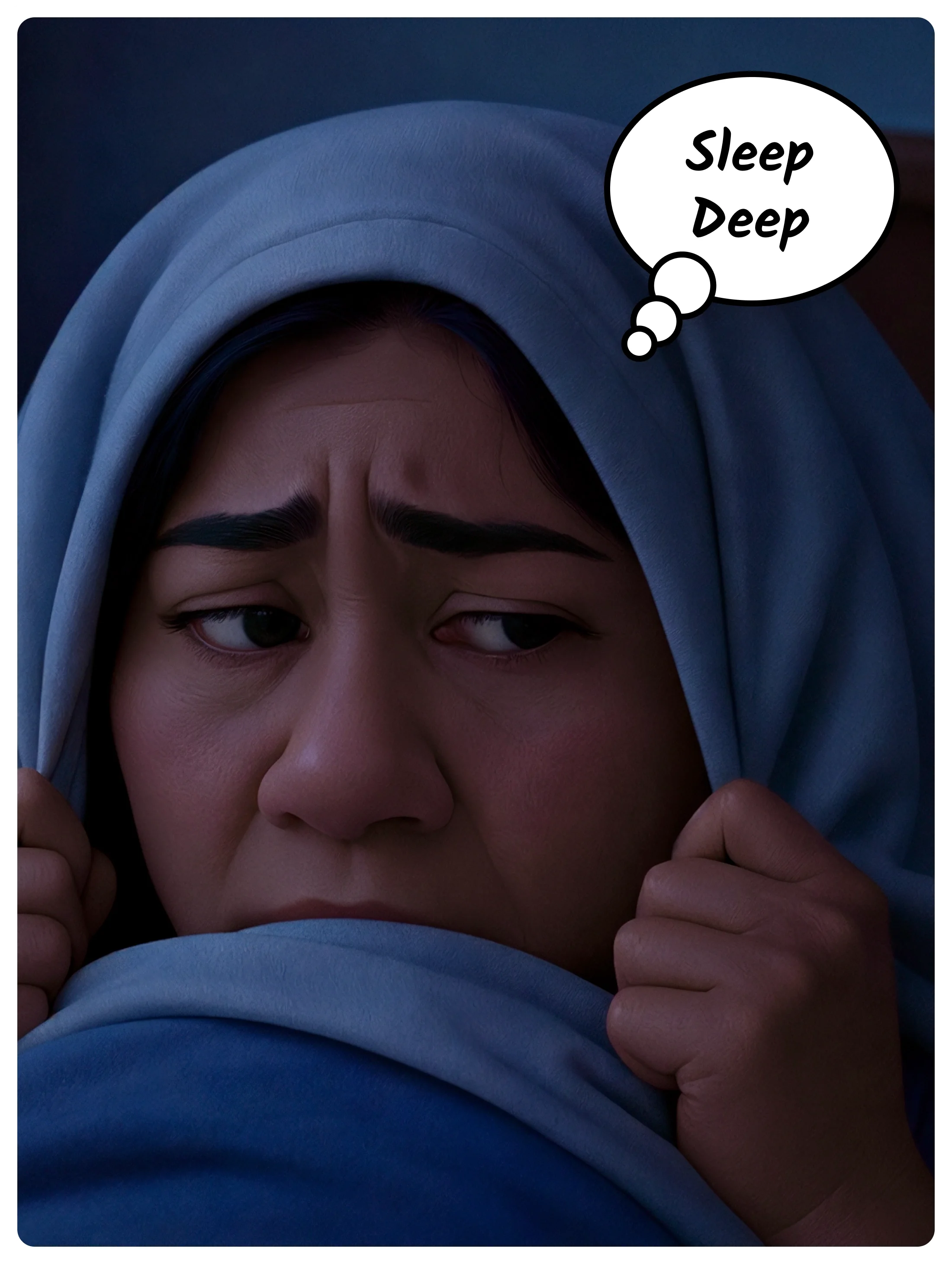
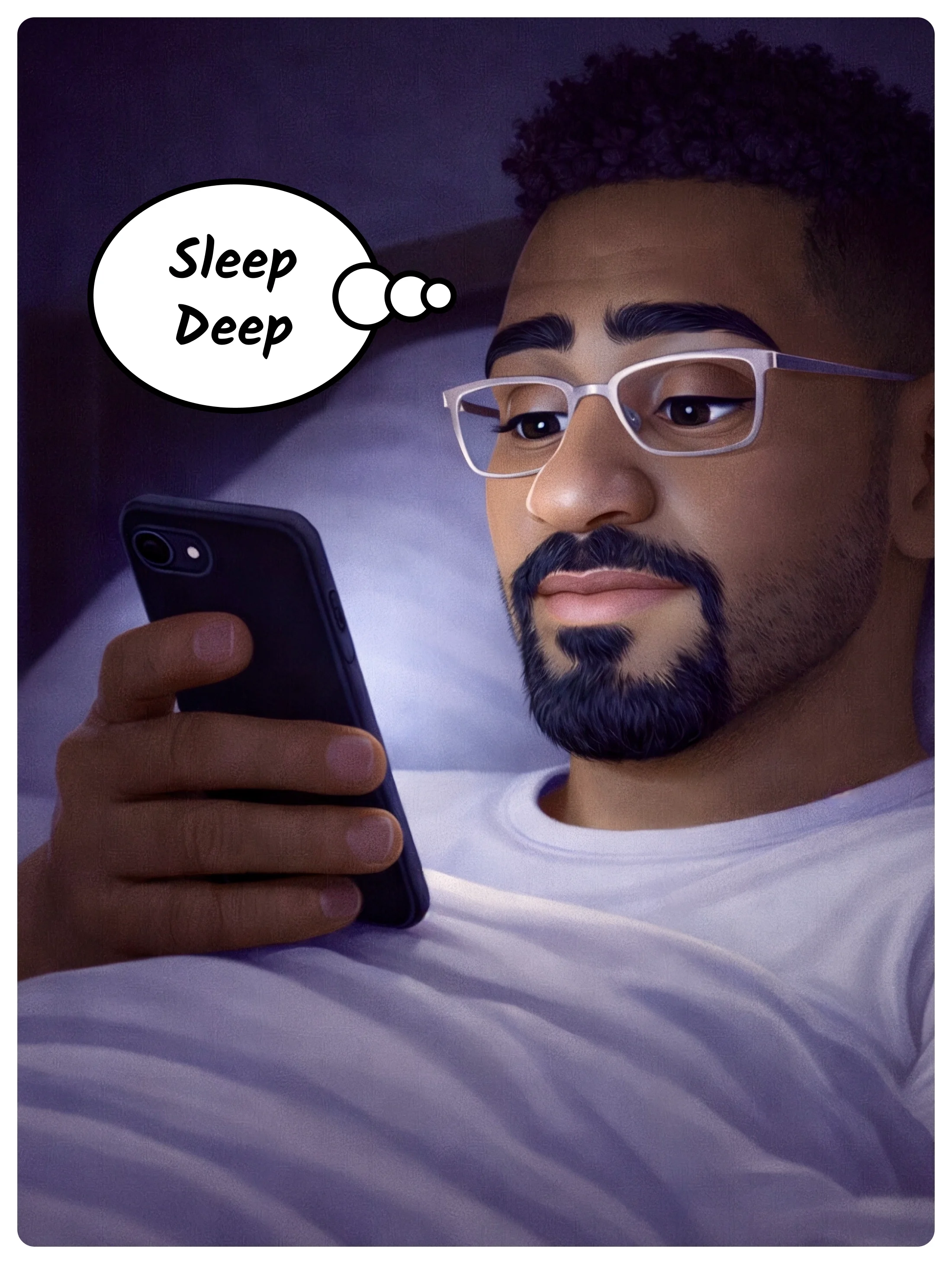
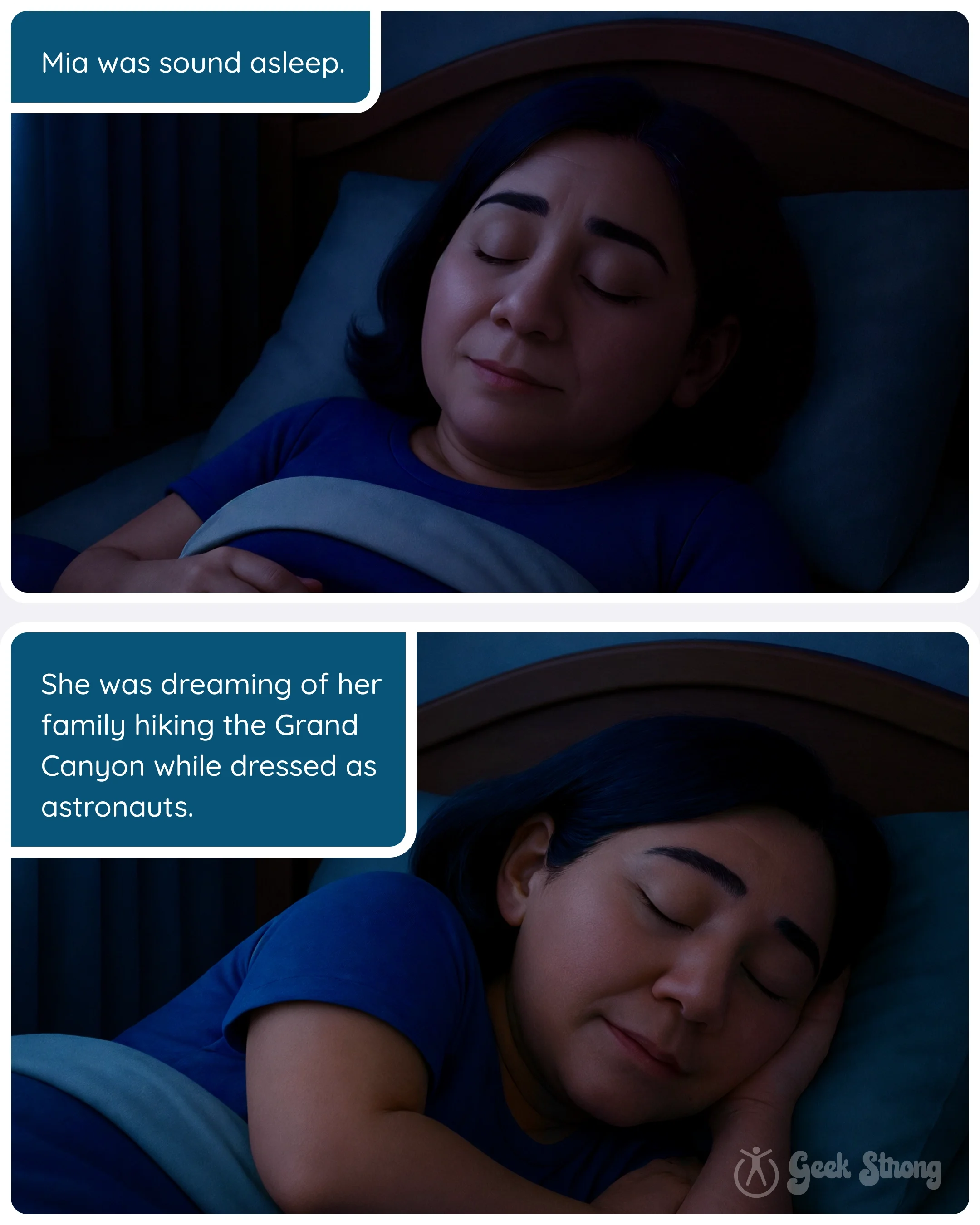
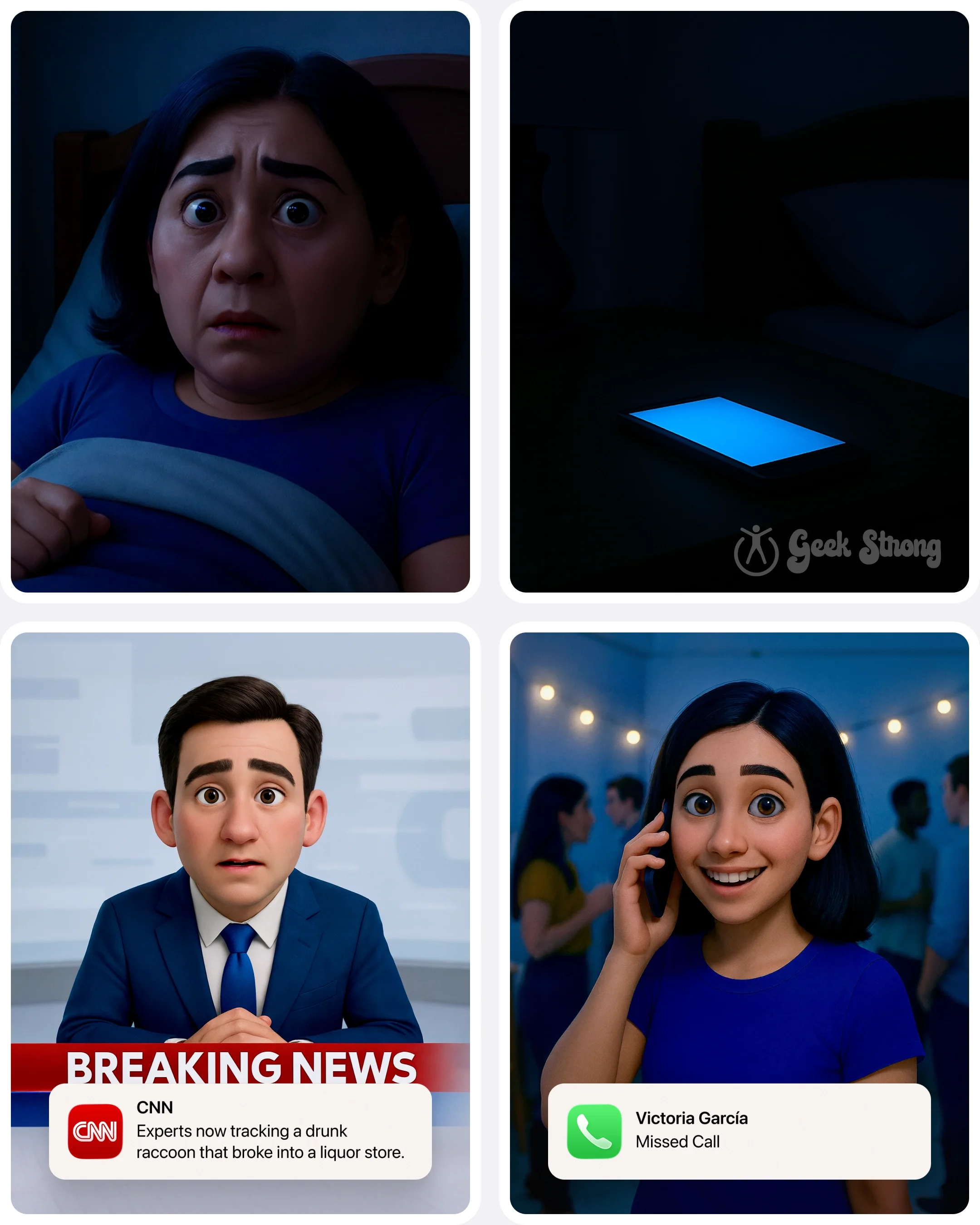
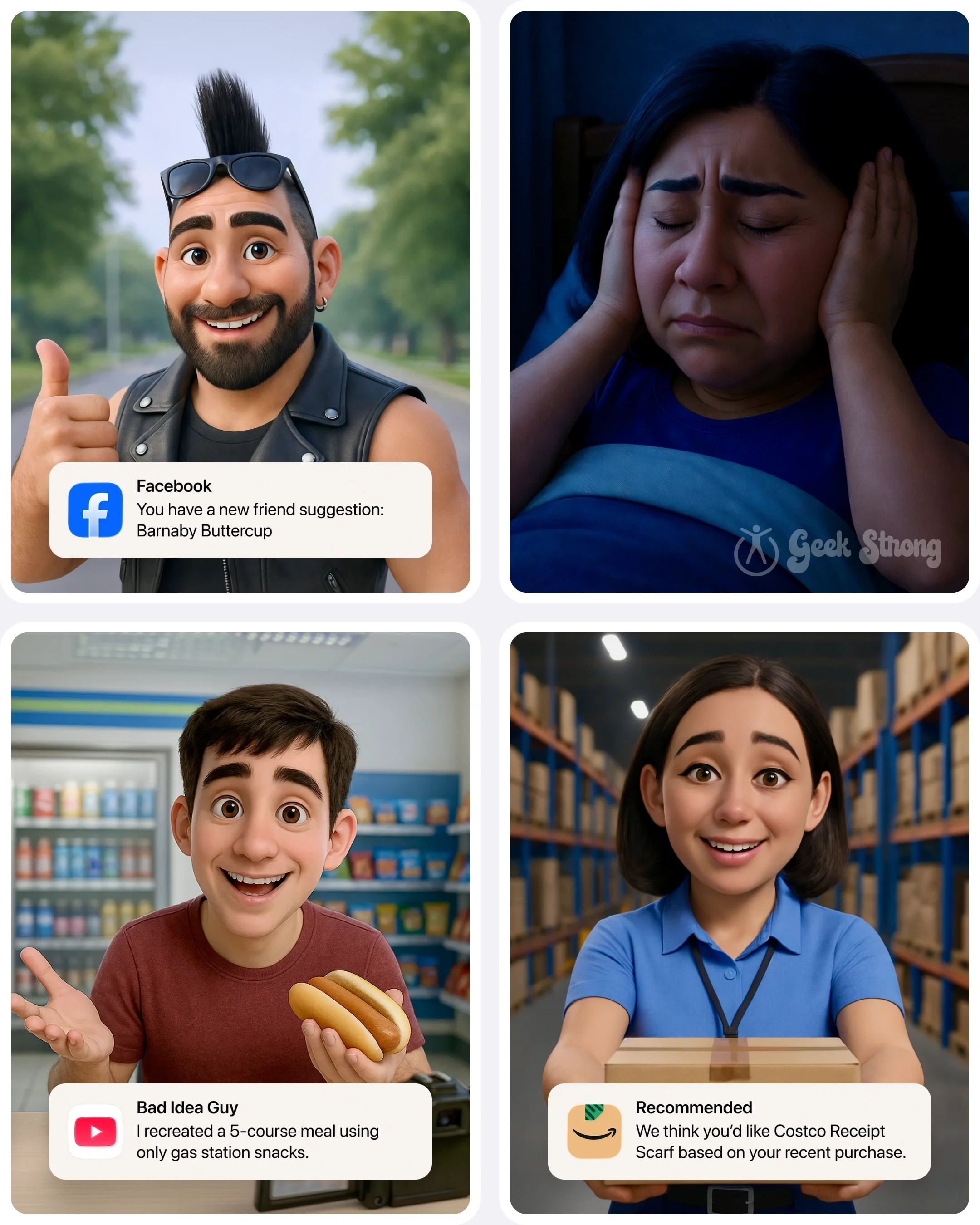
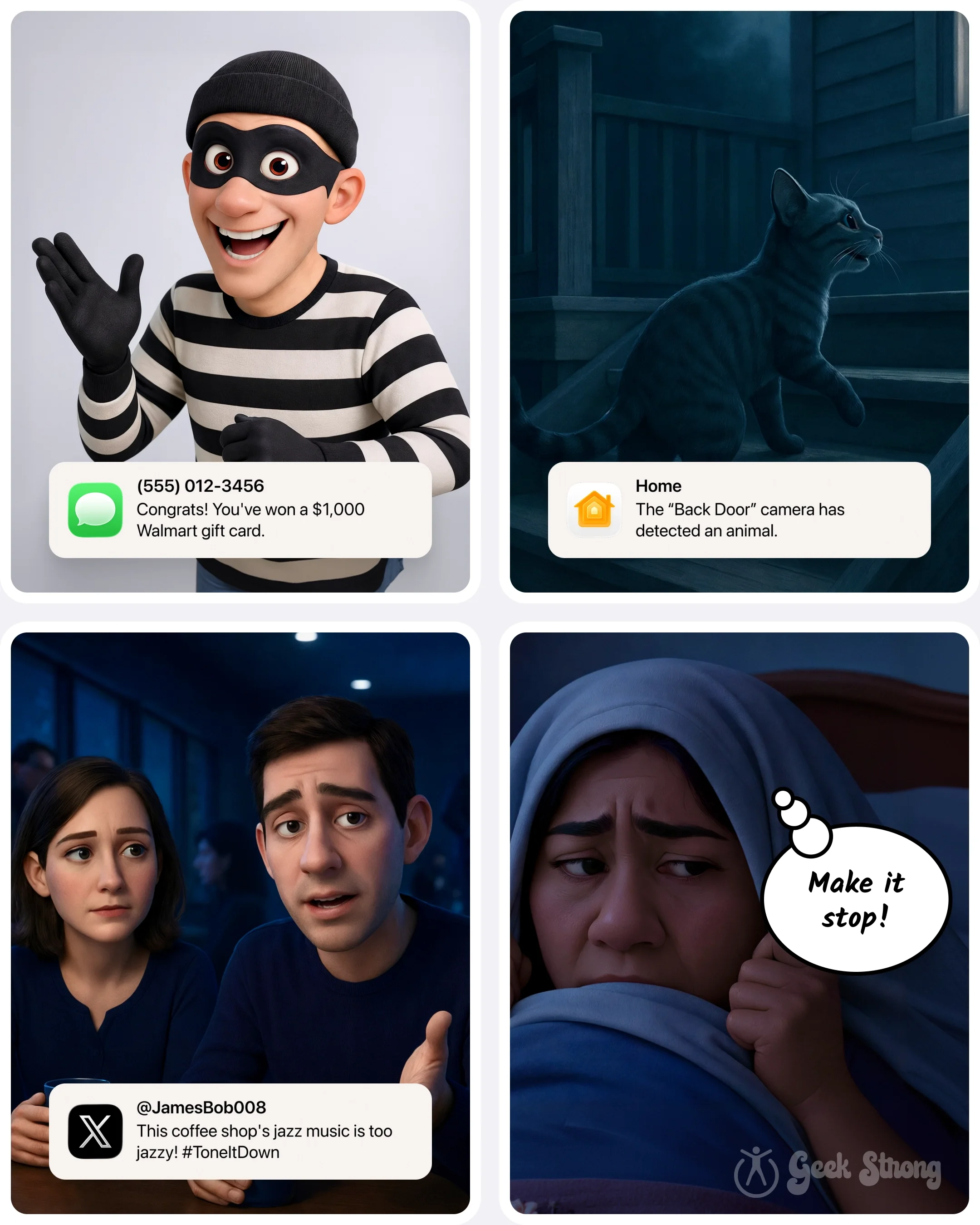
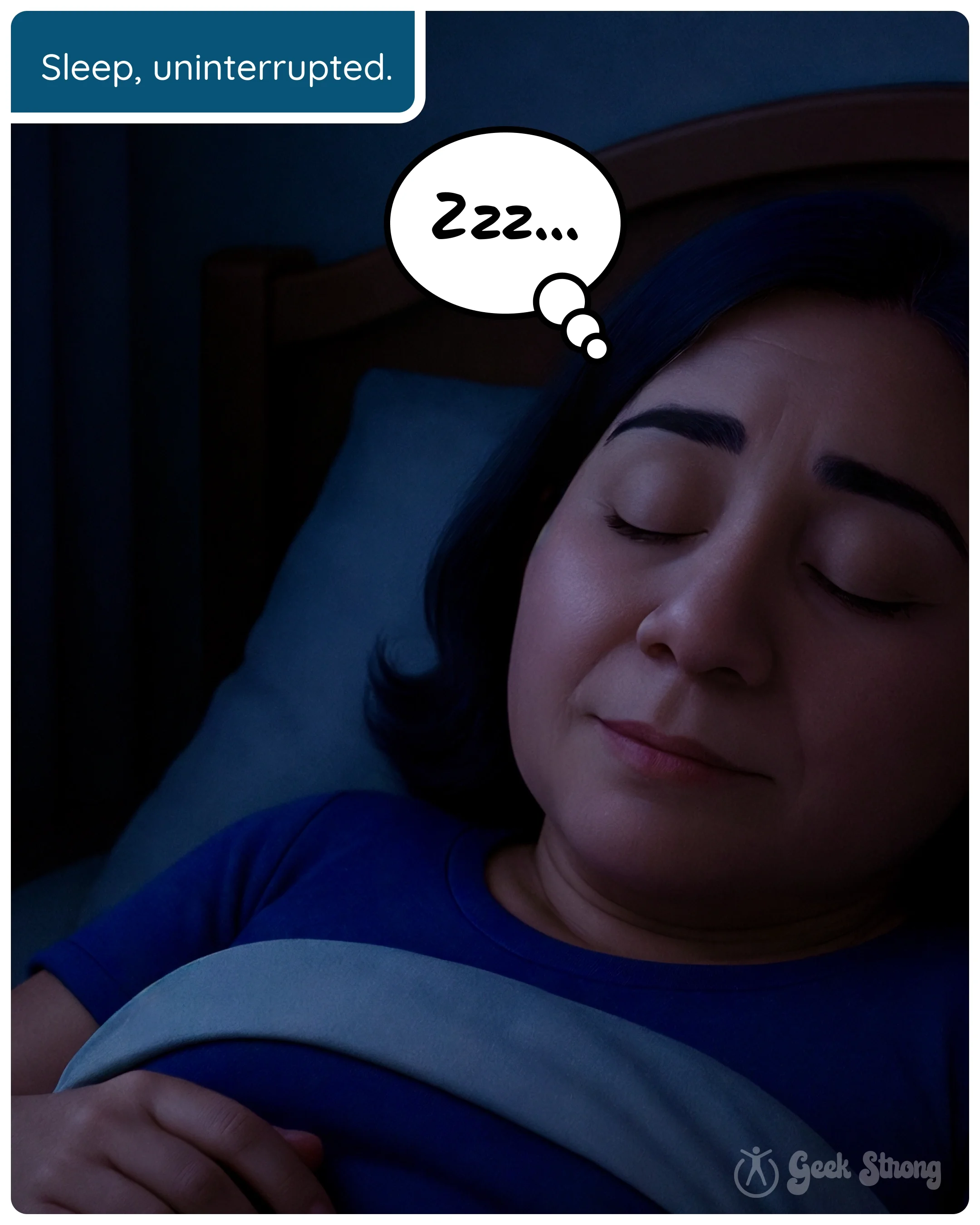
Mia's bedtime looked peaceful. Then the notifications arrived — tiny digital chaos goblins storming the bedroom one buzz at a time.
-
Just after you close your eyes, the iPhone villains arrive.
A buzzing package update. A breaking news alert. A random app demanding attention like it's the final boss battle of bedtime.
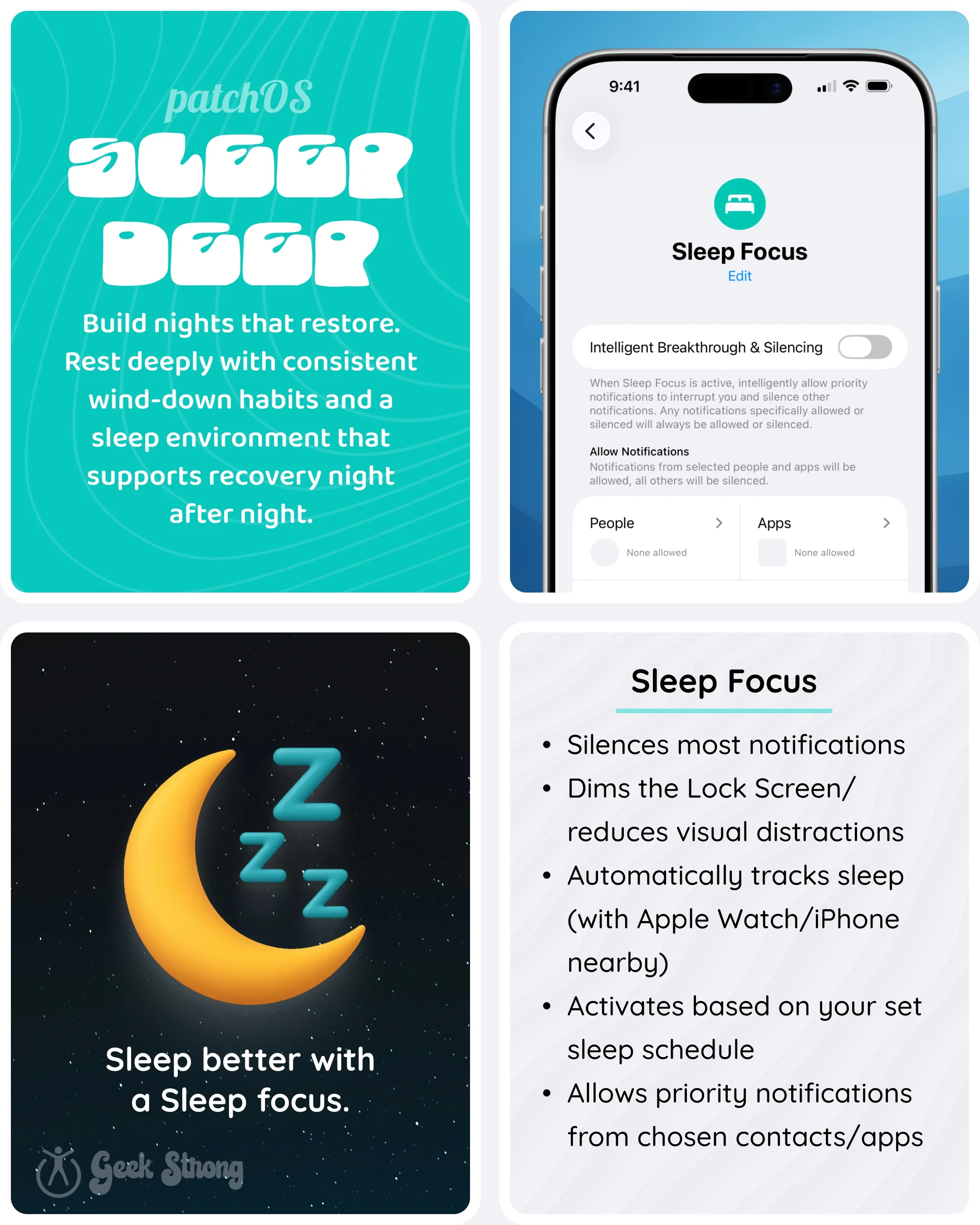
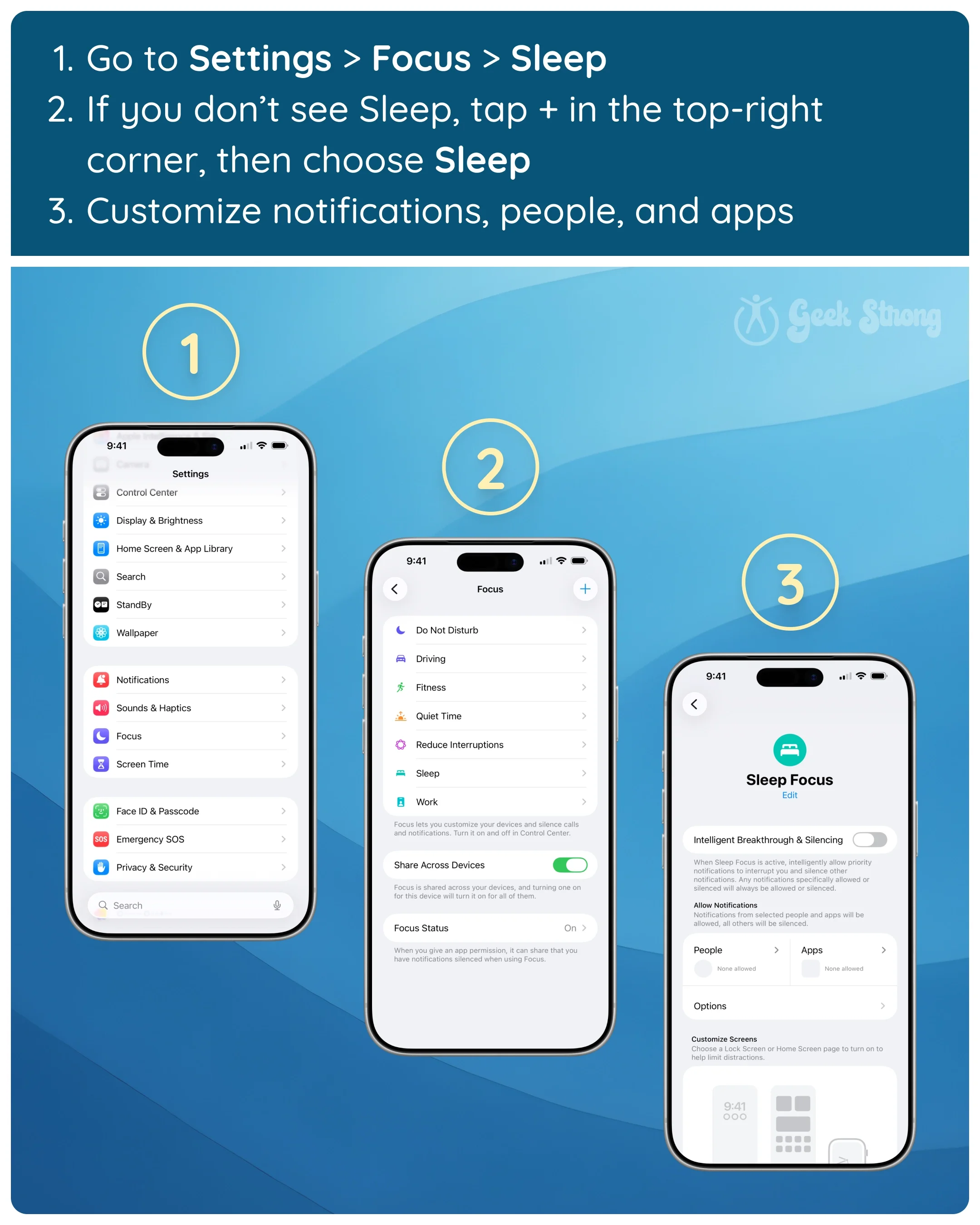
That's where Sleep Focus on iPhone comes in. iPhone’s Sleep Focus mode silences unnecessary notifications and creates a real boundary between bedtime and "just checking one more thing." You can still let emergency contacts and urgent calls through — it just mutes the flood of app alerts, promotions, trending news, and random digital noise that has no business in your bedroom at midnight.
The problem usually isn't one notification. It's the nonstop interruption loop that keeps your brain slightly "on" all night long. Late-night alerts can keep you wired even when your body is exhausted — and the result feels surprisingly physical: lighter sleep, groggy mornings, brain fog, and the weird feeling that your nervous system never fully powers down. The Sleep Foundation notes that sounds and blinking lights from devices cause unwanted awakenings, and that even vibration mode can pull your brain back into response mode while you're drifting off.
The hardest part is that modern phones are designed to compete for your attention. Notifications don't politely wait their turn. They invade. They vibrate. They flash. They convince you that 11:48 p.m. is somehow the perfect time to check a weather alert, a sports score, or a celebrity headline you absolutely won't remember tomorrow.
Sleep Focus won't turn you into a peaceful woodland wizard who falls asleep to rain sounds while charging crystals under the moonlight. But it can quiet the digital chaos enough that sleep actually has a chance. That's the Sleep Deep habit doing its job — not eliminating technology, just stopping your phone from acting like an over-caffeinated goblin army every time your head hits the pillow.
Bedtime should feel like recovery. Time to dock for system repair, geek. Keep coming back. You're not alone. 🤓💪
-
Pick a challenge:
Turn on Sleep Focus tonight and set it to activate automatically at your usual bedtime
Remove one nonessential app from your allowed notifications list before you go to sleep
Put your phone on the other side of the room for a full night
Add one emergency contact to your Sleep Focus allowed list so real calls still get through
Once a week, open your notification settings and remove any app that hasn't earned its spot
-
Want help putting this into practice? Explore Patch Picks