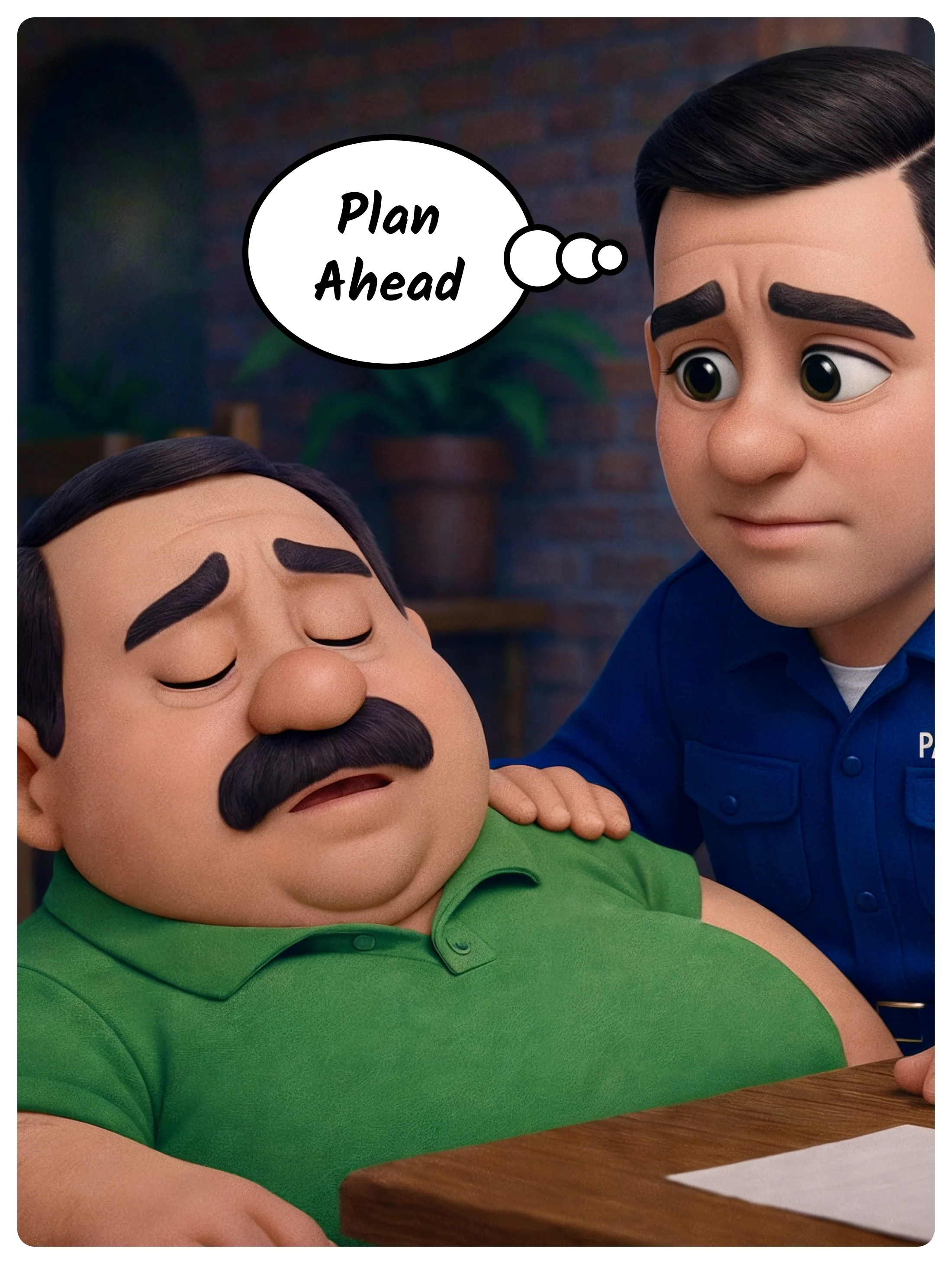
Someone call 911
A normal dinner. A sudden collapse. Nobody in the room knew about Sam's allergies — but his iPhone did. Five minutes could save your life.

-
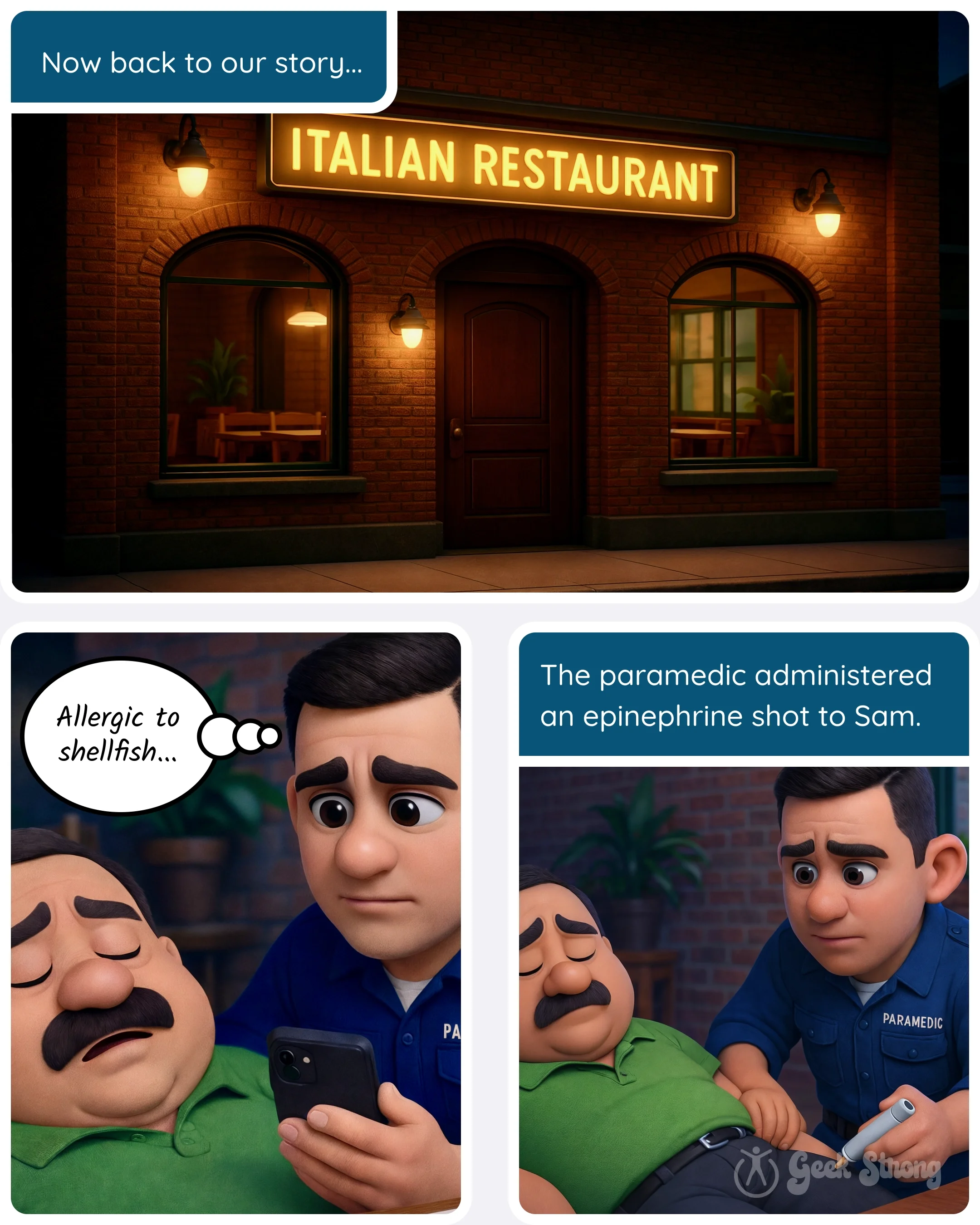
Sam didn't see it coming. One minute, he was enjoying a lovely Italian dish. The next, the server was calling 911, and no one in the room knew his name, let alone his allergies.
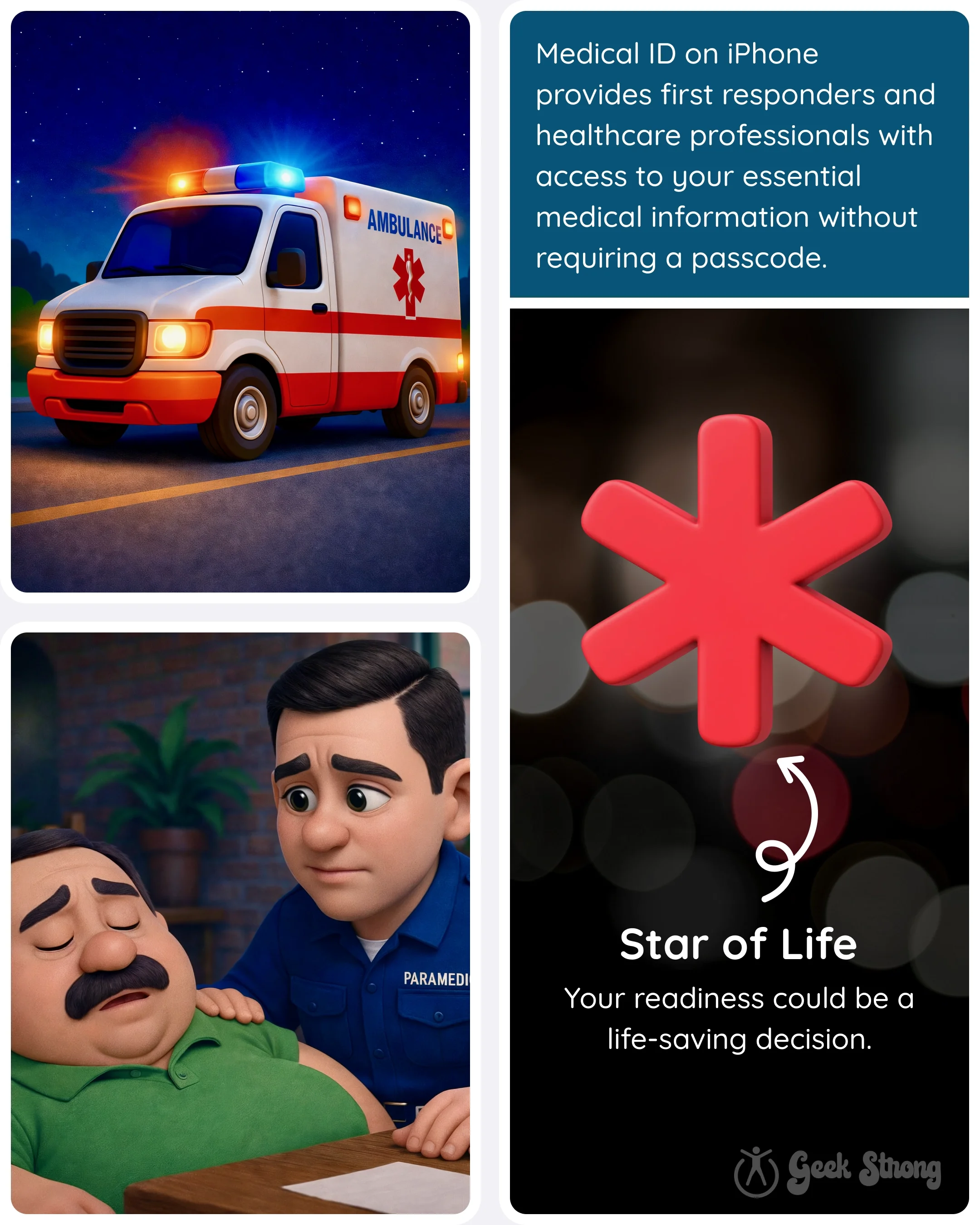
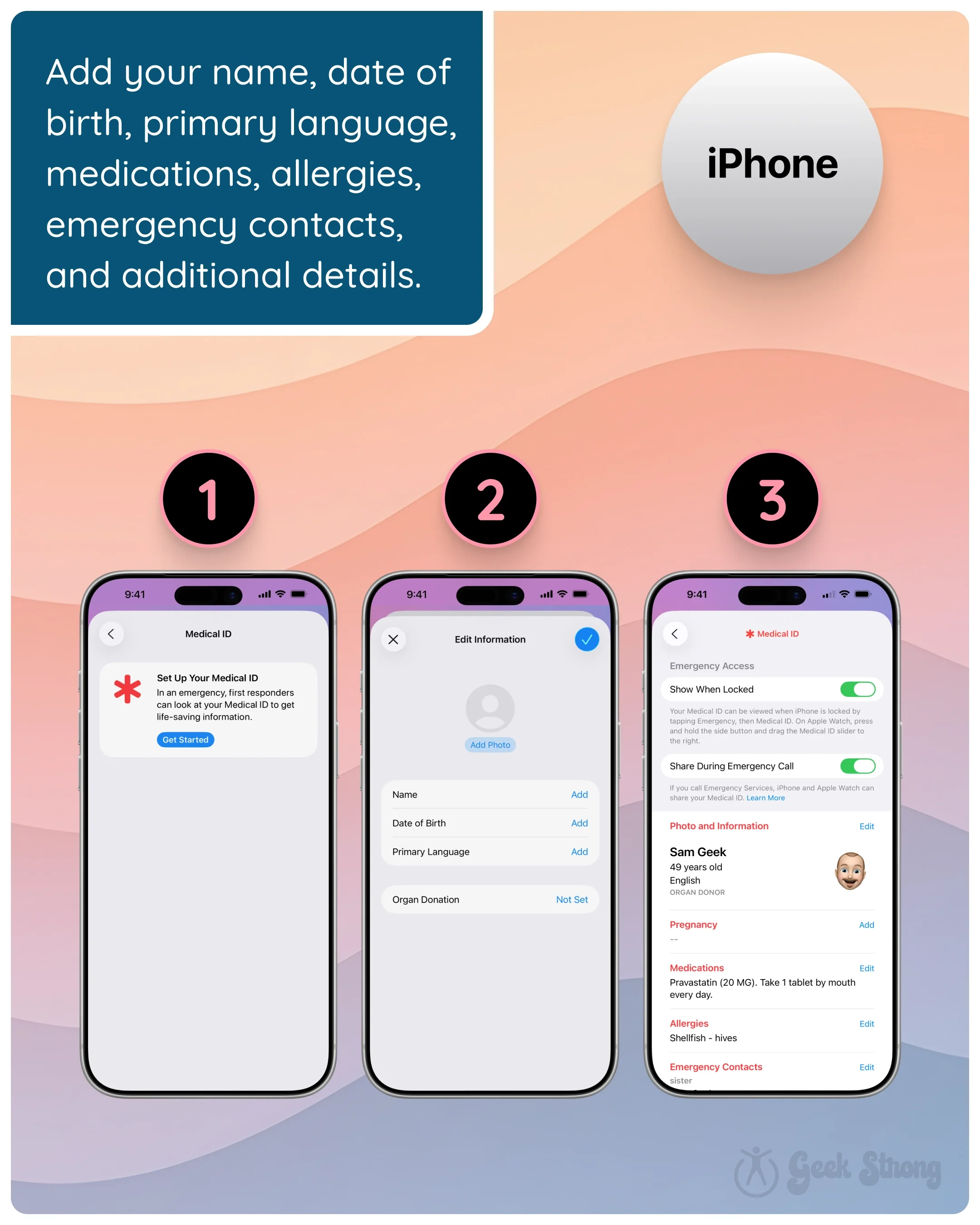
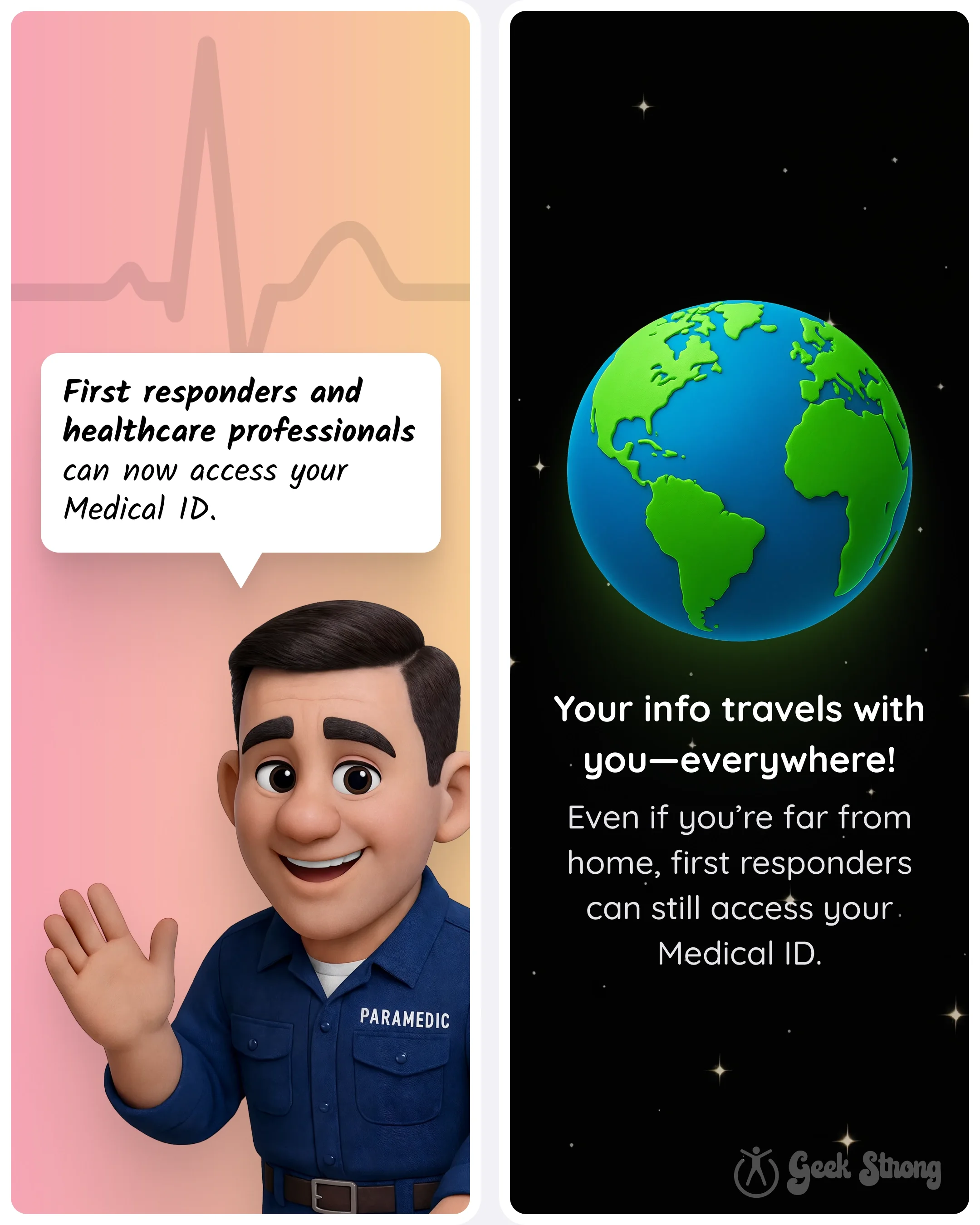
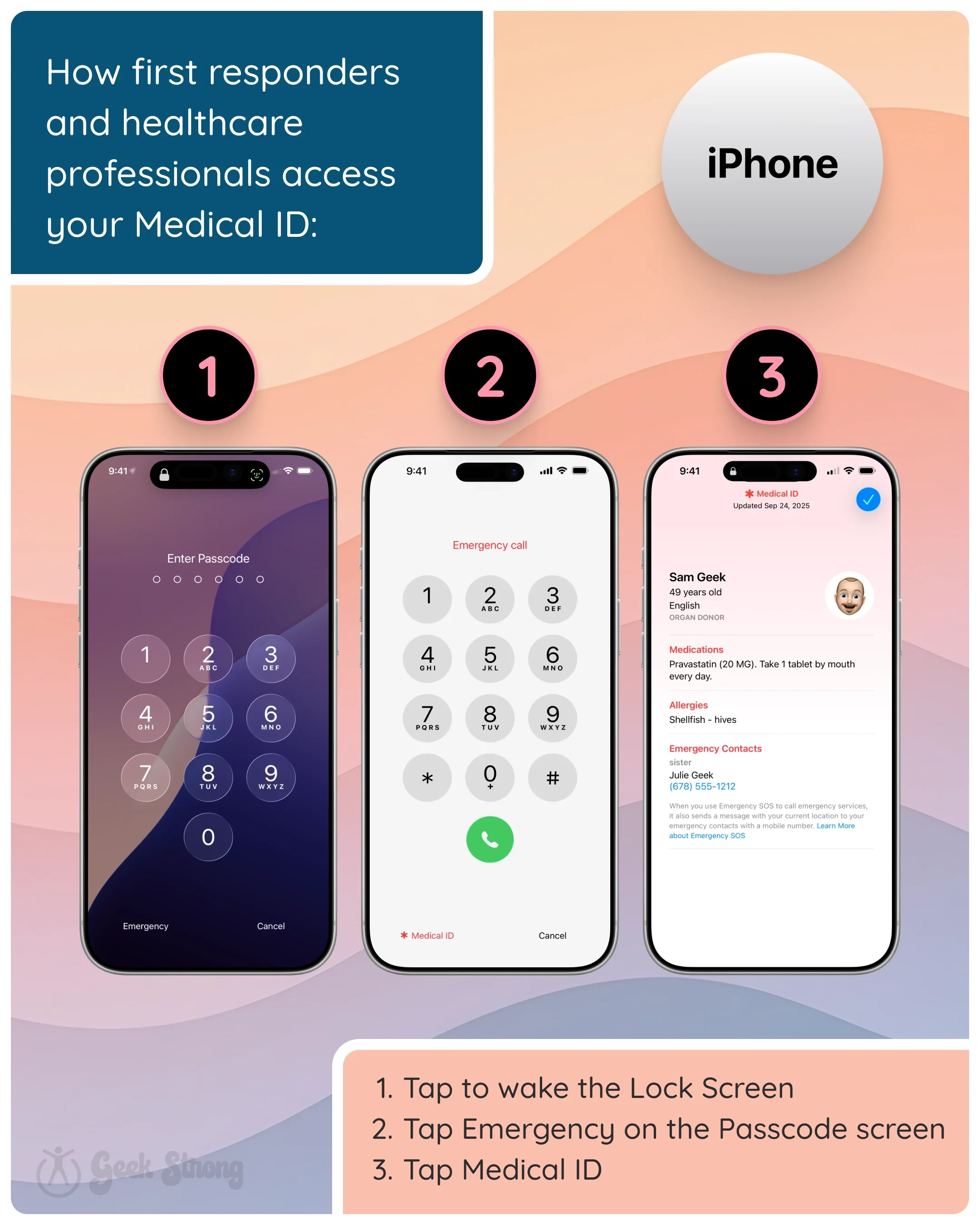
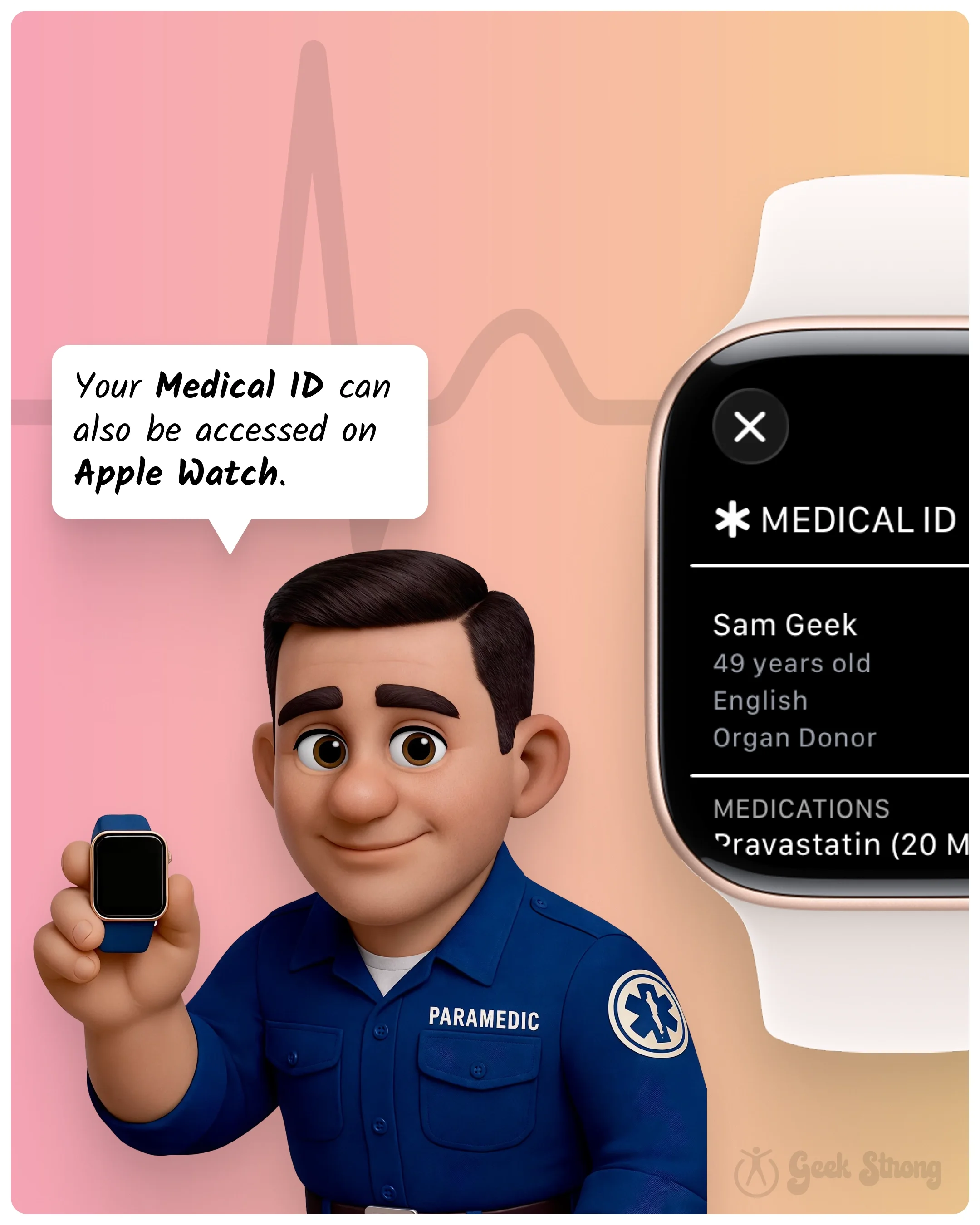
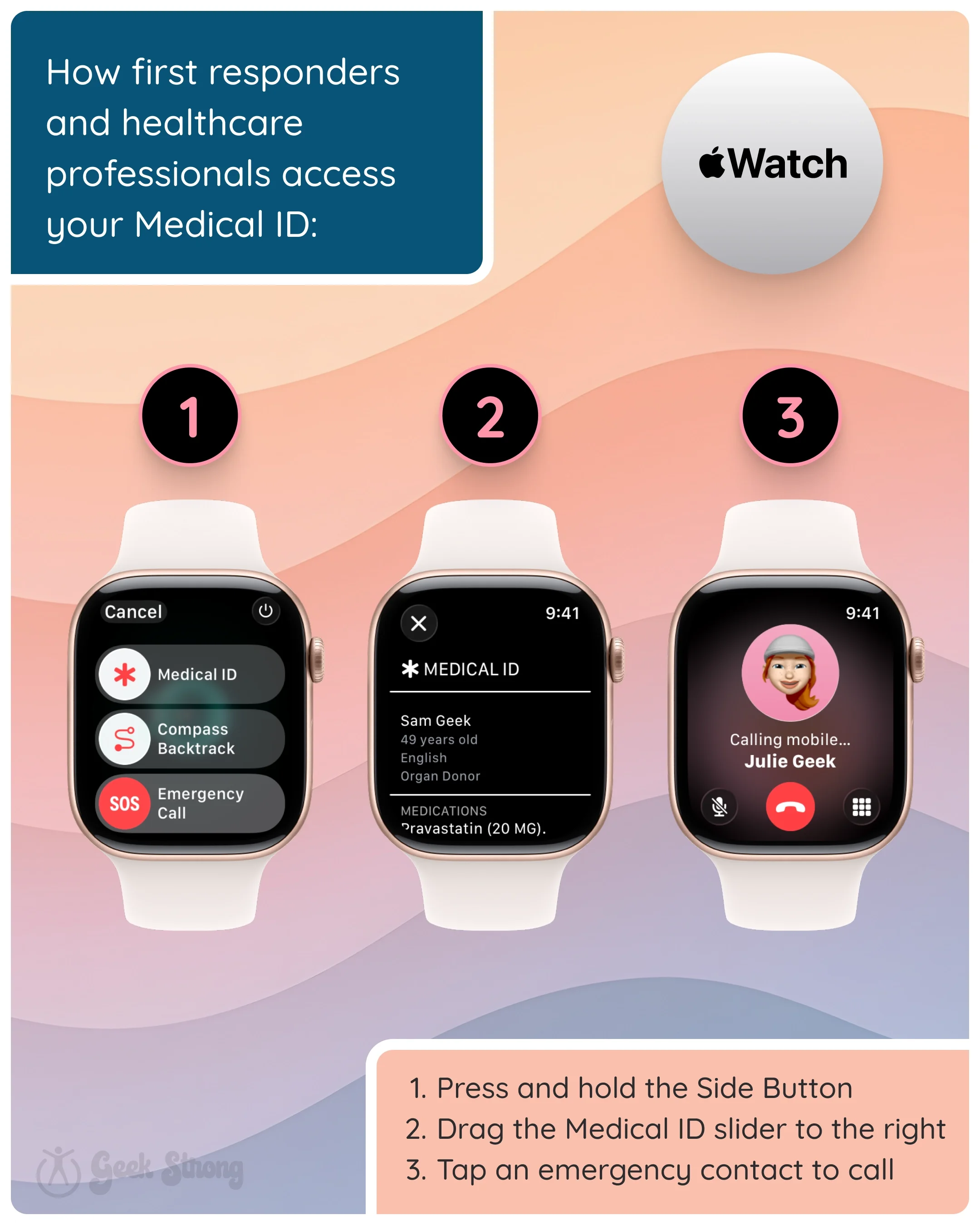
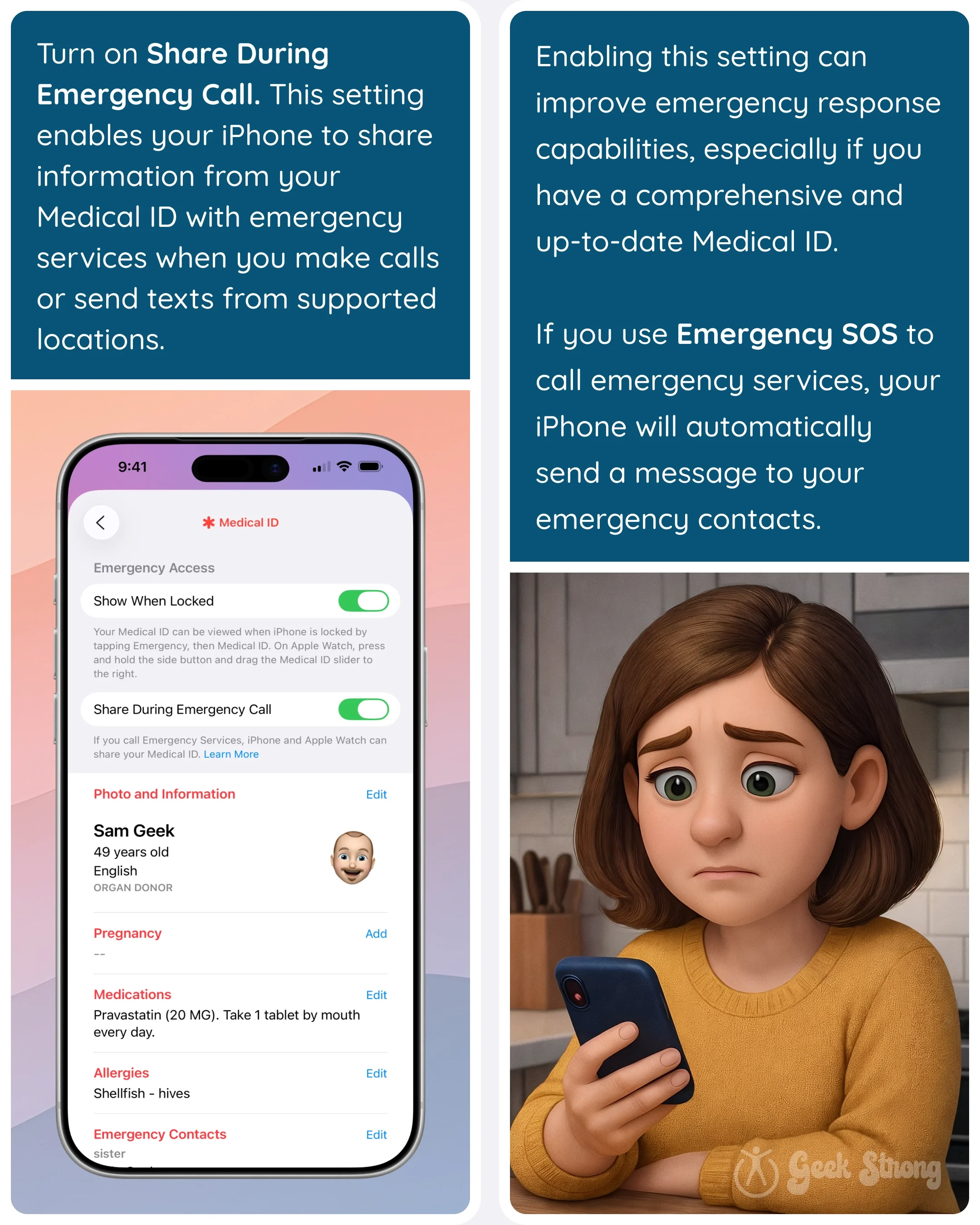
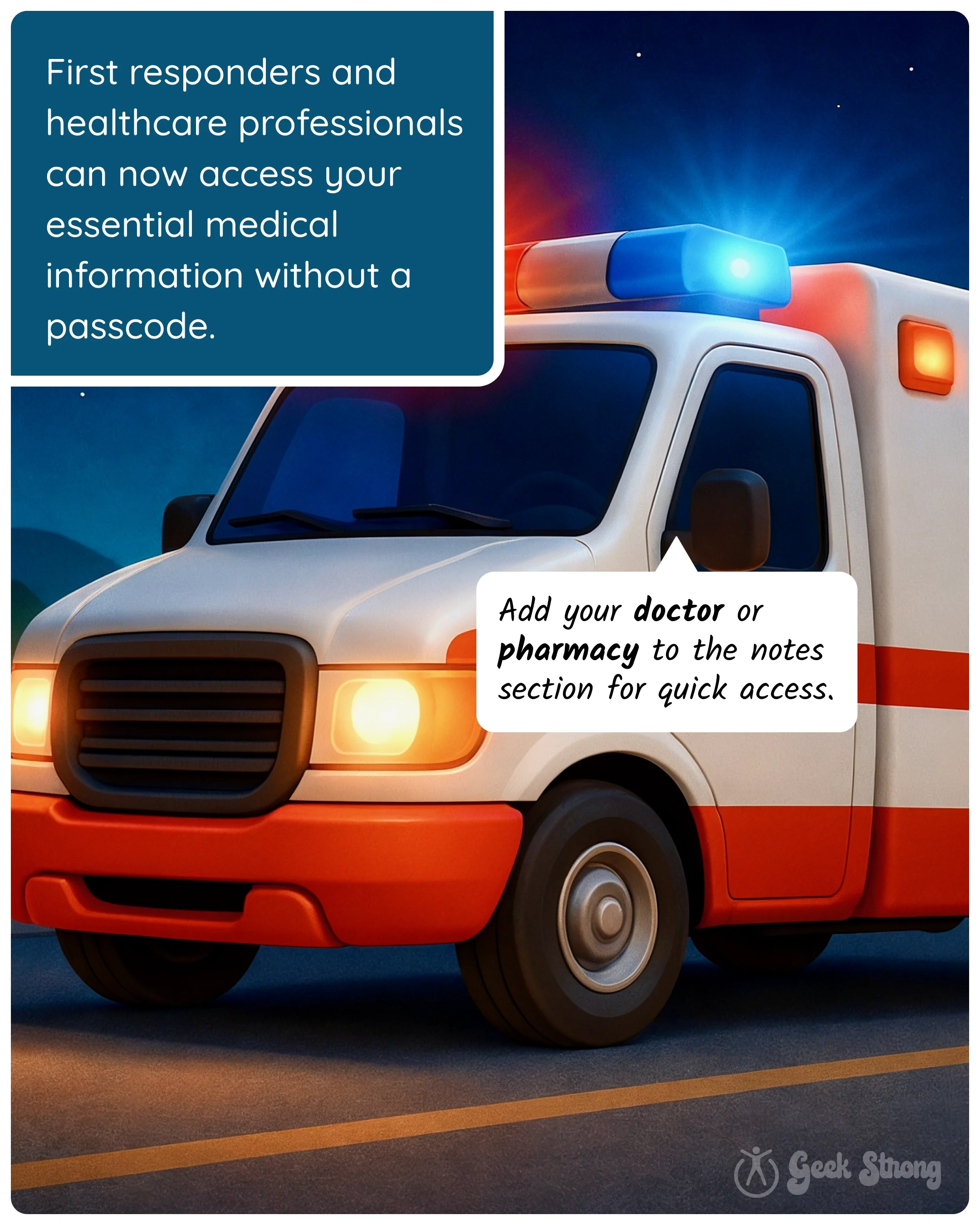
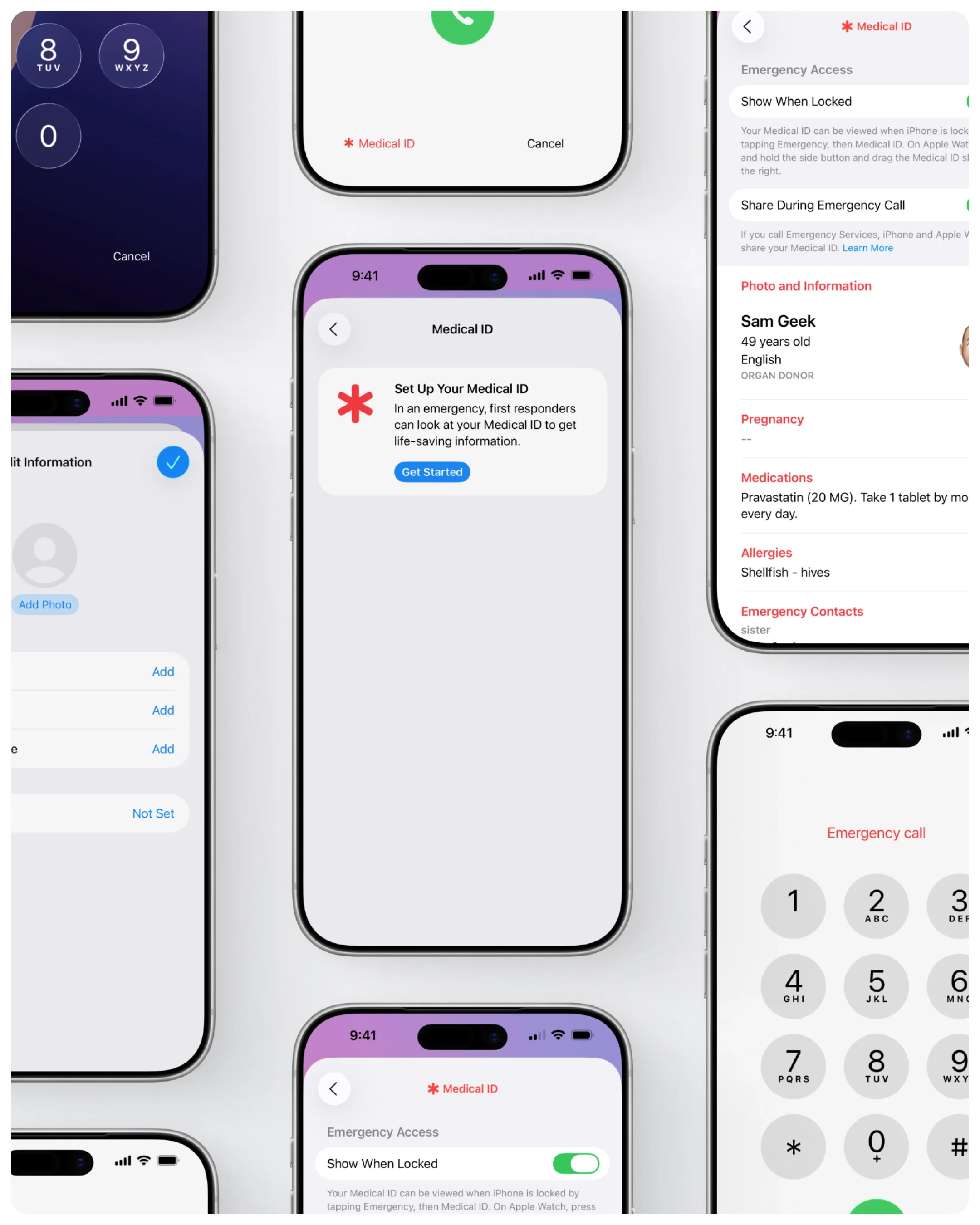
Medical ID on iPhone is a built-in Health app feature that lets first responders access your critical health information directly from the lock screen — no passcode required. They can see your allergies, medications, medical conditions, blood type, and emergency contacts. It works even when your iPhone is locked, which is exactly when it matters most.
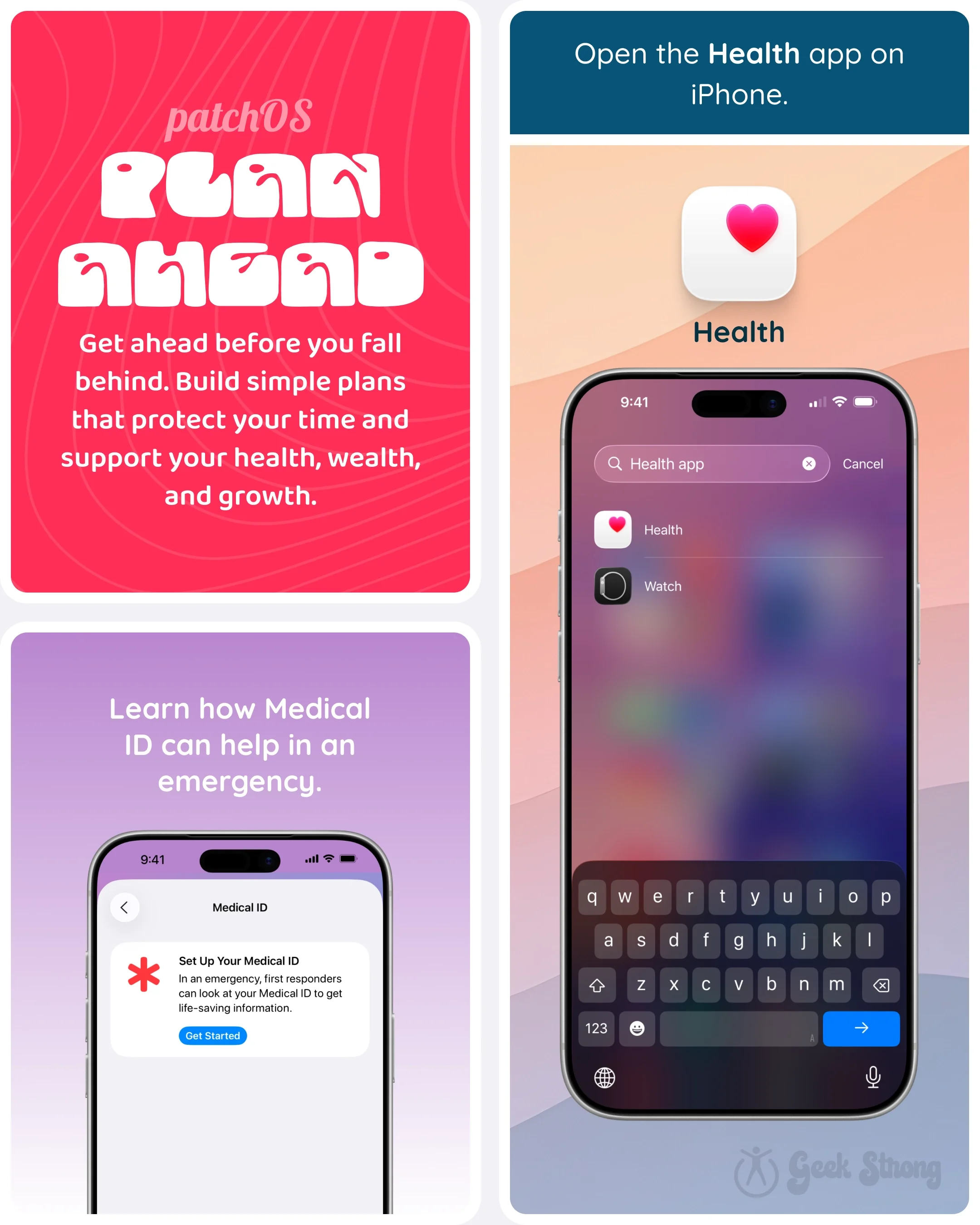
Apple's support documentation walks you through the full setup in just a few minutes: Set up your Medical ID in the Health app on your iPhone. The information stays private until it's needed — then it's right there for whoever is trying to help you.
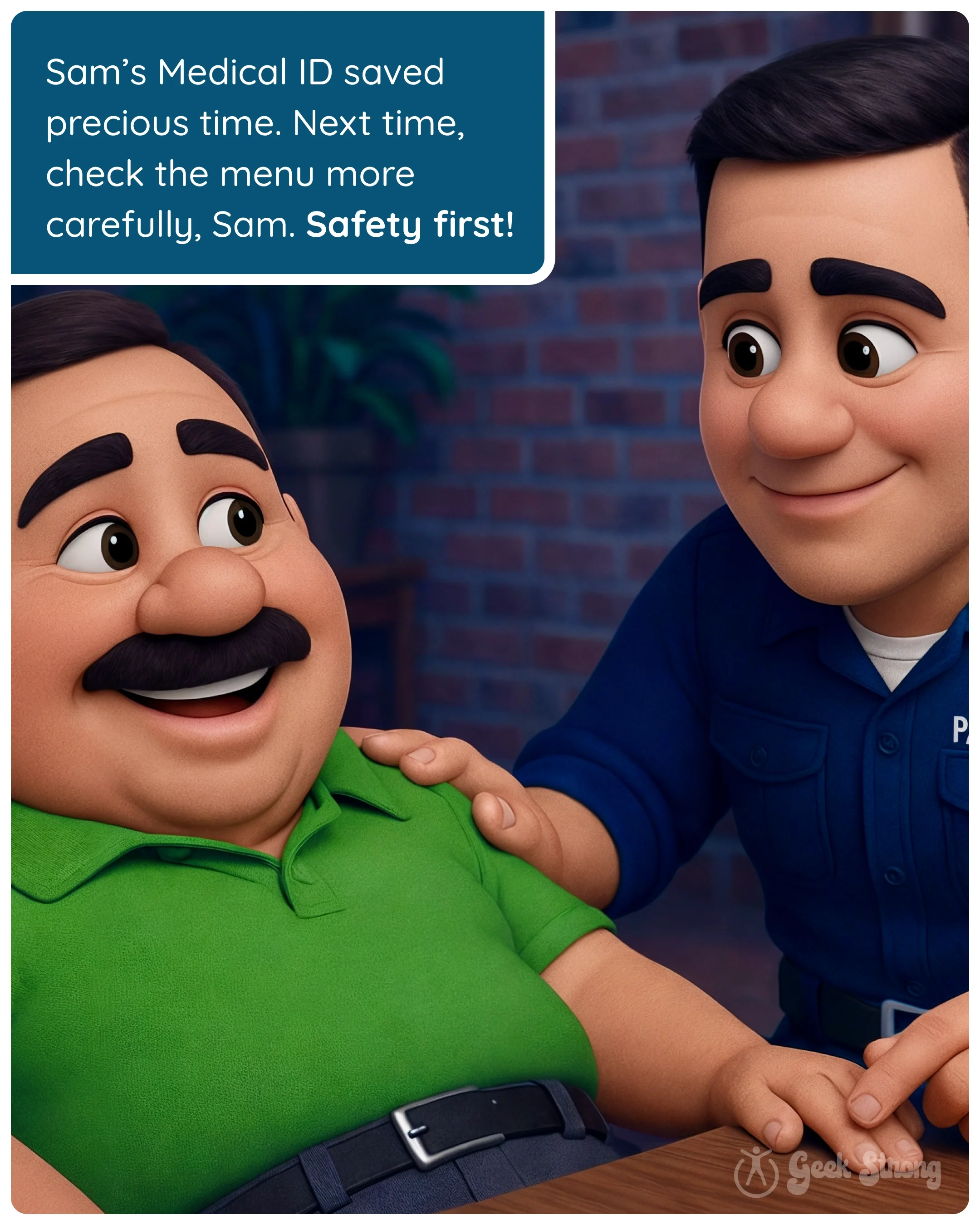
This is the Plan Ahead habit doing what it does best — not a dramatic life overhaul, just a five-minute upgrade that could save your life. Most preparedness habits work this way. You do the thing. You forget about it. And then one day, it saves your life.
The hard part isn't the setup. It's admitting that unexpected things happen — and that you did something about it right now. Keep coming back. You're not alone. 🤓💪
-
Pick a challenge:
Open the Health app and set up your Medical ID on iPhone
Add at least two emergency contacts — one local, one out of state
Review your medications and allergies list for anything that's changed
Help one family member set up their own Medical ID
Enable the "Show When Locked" toggle so first responders can actually access your Medical ID
-
Want help putting this into practice? Explore Patch Picks